
★★★★★
“Very fast delivery, Thanks.”
i***r✓ Verified purchase · NEO Pad 100×100×1.0 mm
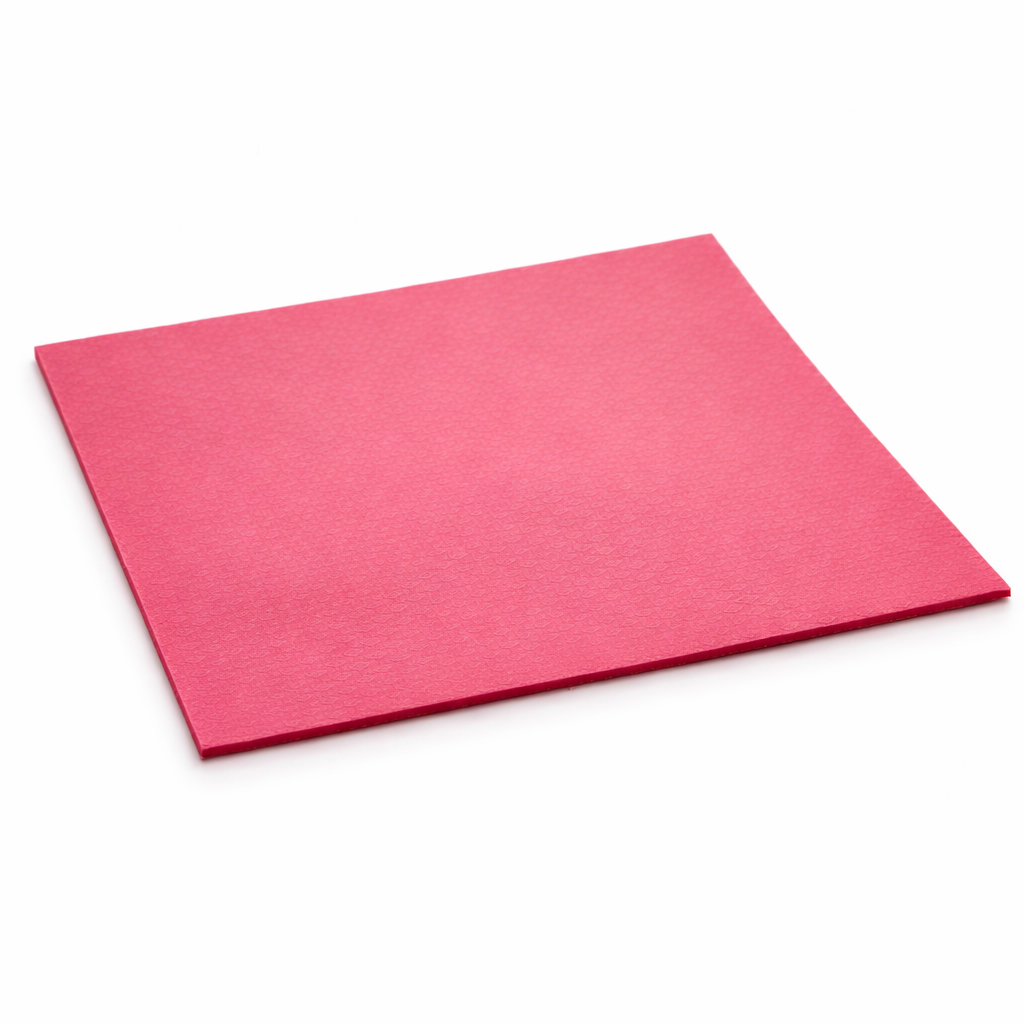
An electrically non-conductive, compressible thermal gap-filler pad for electronic components and cooling surfaces.
“Very fast delivery, Thanks.”
i***r✓ Verified purchase · NEO Pad 100×100×1.0 mm“Item is as advertised really fast shipping, recommeded, keep it up.”
e***b✓ Verified purchase · NEO Pad 100×100×1.0 mm“Everything was great.”
m***a✓ Verified purchase · NEO Pad 100×100×1.0 mmReview disclaimer: customer reviews shown here are sourced from matching Thermal Hero eBay product listings; wording may be translated for presentation while preserving the original meaning.
| Specification | Value / description |
|---|---|
| Product type | Electrically non-conductive, compressible thermal gap-filler pad |
| Application purpose | Filling air gaps and transferring heat between electronic components and cooling surfaces |
| Recommended applications | VRAM, VRMs, SSDs, chipsets and other electronic components |
| Performance class | High-performance thermal gap-filler pad |
| Available thicknesses | 0.5 to 3.0 mm |
| Available sheet sizes | 100 × 100 mm, 120 × 20 mm, 80 × 22 mm, 50 × 50 mm and 30 × 30 mm |
| Density | 3.2 g/cm³ |
| Recommended operating temperature | −40 to +220 °C |
| Hardness | Soft and compressible |
| Electrical conductivity | Electrically non-conductive |
| Colour | Pink-red |
| Application limitation | Not recommended as a replacement for thermal paste on direct CPU, GPU die or IHS contact surfaces |


