
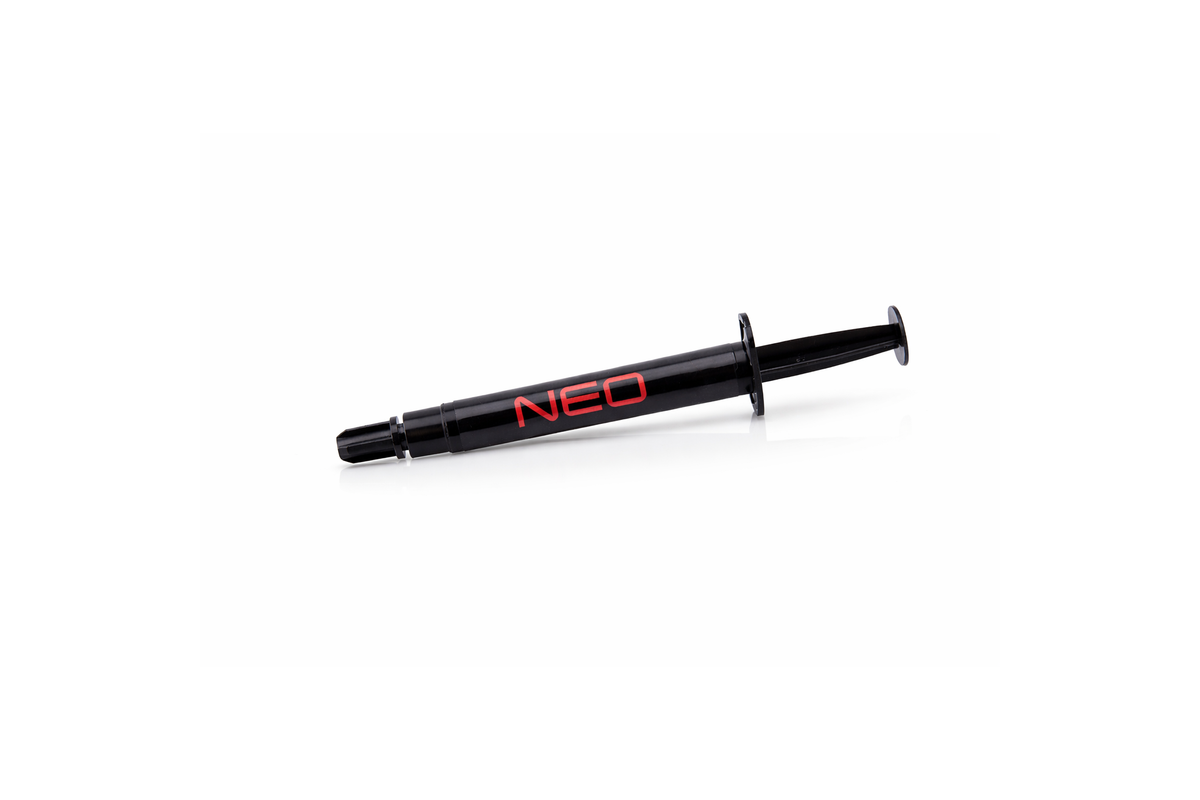
Reliable Everyday Thermal Paste For Clean CPU And GPU Refreshes
NEO is the safe everyday paste route for standard repaste jobs, PC maintenance, laptop service and general cooling refreshes.
Datasheet And SDS
Access technical product documentation, safety guidance and compatibility support before installation.
Combine With Matching Thermal Hero Products
Selected to complement the material, contact type and service workflow of this product.


Technical Data
Core product information for compatibility, handling and application planning.
Where This Product Fits
Use the product where the hardware contact area and risk level match. If the problem is a gap, direct chip contact or an advanced conductive layer, choose accordingly.
CPU / GPU Contact
Use paste, PCM or expert liquid metal where the main chip and cooler surface meet directly.
VRAM / SSD Gaps
Use thermal pads for defined mechanical gaps around memory, SSDs and power components.
Hotspot / OC Builds
Use expert materials only when surface compatibility and electrical safety are controlled.
Do Not Use Paste For Large Gaps
NEO is for direct contact. Use NEO Thermal Pads when the component sits below the heatsink and needs gap filling.
Install With Control
A good result depends on preparation, product selection, correct application and testing after the cooling refresh.
Check Area
Identify whether the cooling problem is direct contact, a physical gap or an advanced heat-spreading layer.
Clean Surface
Remove old material completely and prepare the contact surfaces before applying new material.
Apply Correctly
Use the correct amount, thickness or stack according to the selected product family.
Mount Evenly
Install the cooler or heatsink with even pressure and avoid disturbing pads or interface layers.
Test Load
Validate temperature, noise and stability under realistic system load after installation.
Reliable Everyday Thermal Paste For CPU, GPU, Laptop And Console Cooling
THERMAL HERO NEO is the everyday thermal paste route for standard cooling refreshes. It is suitable for direct CPU and GPU contact when the surfaces are cleaned and mounted correctly.
NEO is positioned as the safe first choice for users who want a reliable repaste without the risk level of liquid metal or other advanced materials.
Thermal Hero structures product selection by application, problem and material type so customers can choose a safer and more accurate cooling solution for CPU, GPU, VRAM, SSD, laptop, console and workstation service.
Choose By Hardware And Workload
Use these direct links to compare thermal paste applications before choosing the final product.
Need Another Thermal Hero Route?
Browse the complete material family and compare every suitable option before choosing.
Thermal Pastes
Compare NEO, ULTRA and QUANTUM for CPU, GPU, laptop and console cooling.
Explore category → Defined gapsThermal Pads
Choose NEO Pad thicknesses for VRAM, SSD, memory and power components.
Explore category → Expert coolingLiquid Metal
Explore METALLIQ products, accessories and safety guidance.
Explore category → Phase changeGAMMA PCM
Browse phase-change materials and service kits for stable direct contact.
Explore category → Heat spreadingGRAPHENEX
Explore graphene sheets and controlled performance combinations.
Explore category → Complete solutionsKits & Bundles
Browse application-specific baskets for GPU, laptop, console and advanced builds.
Explore category →Questions Before Buying
Answers that help customers choose correctly before adding the product to cart.
How do I know if this is the right product?
Start with the contact type. Direct chip contact, component gaps and advanced conductive layers require different product categories.
Can I use this product for every cooling problem?
No. Each thermal material has a specific job. Choose by contact area, compatibility and risk level.
What should I check before installation?
Clean the surfaces, confirm compatibility, use the correct amount or thickness and test temperatures after installation.
What should I combine this with?
For a complete refresh, combine the main direct-contact product with thermal pads for gaps, cleaning tools, gloves and the appropriate safety guide.
Where should I go if I am not sure?
Use the Product Selector or Compatibility and Safety page before buying. This helps avoid wrong material choice and unnecessary risk.